
Konnect eMail Central (Classic)
For Classic Outlook
Outlook SharePoint Integration: Save Emails and Attachments in Outlook
Are you looking for a end-to-end Outlook to SharePoint integration product? Then Konnect eMail Central Outlook Add-In will meet and exceed all your user requirements.
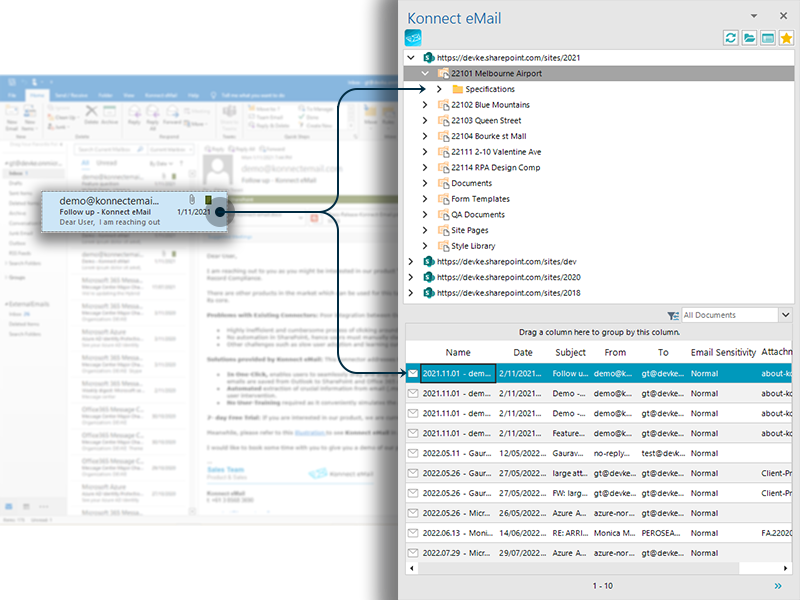
Konnect eMail Central Outlook Add-In is a feature rich extension to Outlook. It let’s you save, view, edit, filter and search SharePoint files all within Outlook. This is your go-to Outlook SharePoint App— thereby bringing SharePoint functionality directly into Outlook in SharePoint.
No matter where you save emails and attachments – Konnect eMail Central Outlook Add-In let’s you drag & drop emails and attachments to multiple locations within Office 365 without ever leaving Outlook again— providing seamless SharePoint and Outlook functionality.
Try Konnect eMail for 7 days
Save Emails and Capture Email Metadata
Drag & Drop emails and attachments to SharePoint, Microsoft Teams and OneDrive and automatically capture email properties as metadata on SharePoint.
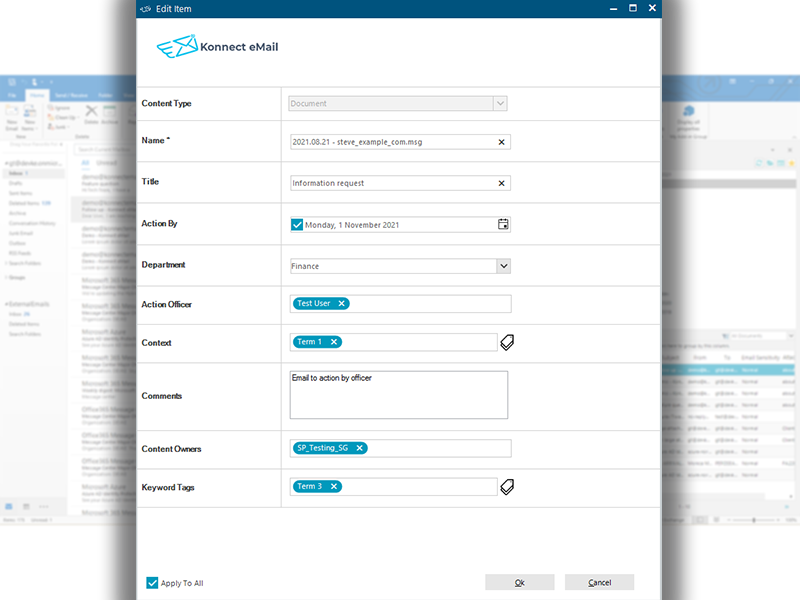
Additionally, this Outlook add-in supports all SharePoint custom field types which can be edited on the edit properties screen – this is displayed to the user before saving and while editing document properties from Outlook.
Bringing SharePoint to Outlook
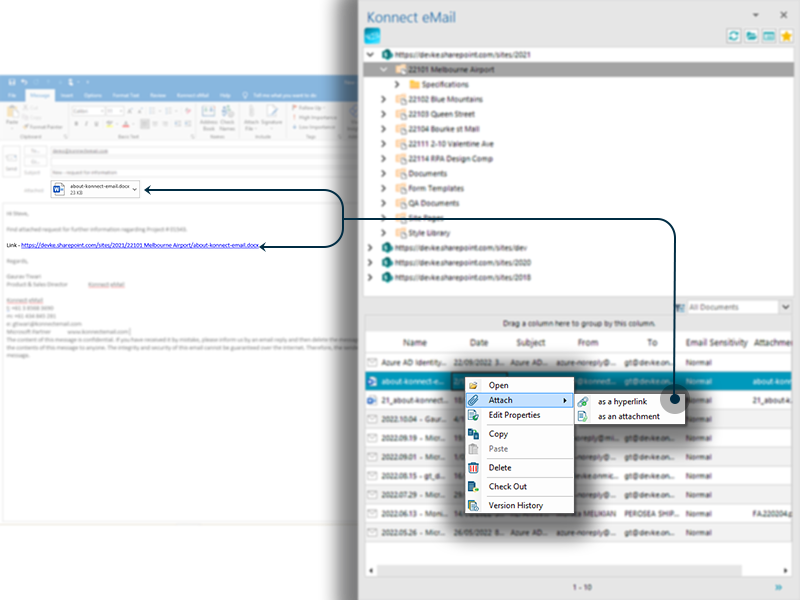
Konnect eMail’s Outlook Add-In brings SharePoint native features to Outlook. It provides seamless a integration between the two systems by exposing SharePoint’s document management functionality in Outlook.
This Outlook & SharePoint integration software surfaces the ability to attach SharePoint documents to email, search SharePoint content, check-in/check-out document, view version history, open & delete documents and edit properties.
Need More Information / Get a Quote
FREQUENTLY ASKED QUESTIONS
Konnect eMail Central (classic) is an advanced Outlook add-in that integrates SharePoint, Microsoft Teams and OneDrive into Outlook. You can manage documents, save emails with full metadata and interact with SharePoint libraries from within Outlook. Unlike basic plugins, it replicates SharePoint’s core document management features so you don’t have to switch between apps.